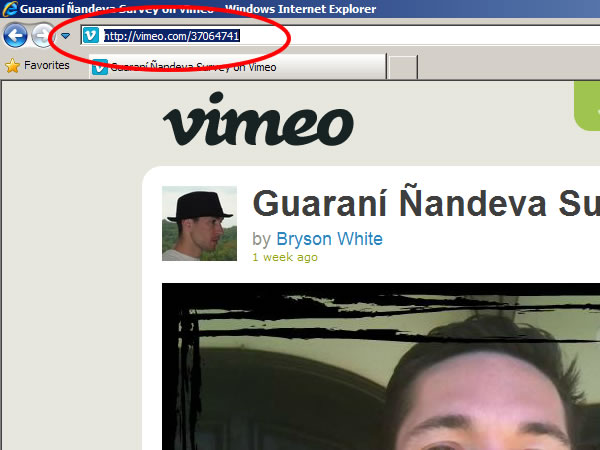
Go to the Vimeo video you want to embed and copy the video address from the address field of your web browser to your clipboard.
***Please remember that using a video containing copyrighted music or images is a violation of NTM communication guidelines …not to mention the law. NTM continues to have a problem with members observing copyright laws and it is a bad testimony.***
Open the post where you want to embed the video and write any text you want to appear with the video.
Paste the Vimeo video link where you want the video to appear. (*If you don’t see the video appear immediately in your blog, delete the link and paste it again.)
If you’re using the Gutenberg (or “Block”) Editor, just use a Video block for this!
“Preview” the post if you’d like to see what it looks like before publishing.
If you encounter any problems please email blog_support@ntm.org and include a link to the video you are trying to post as well.