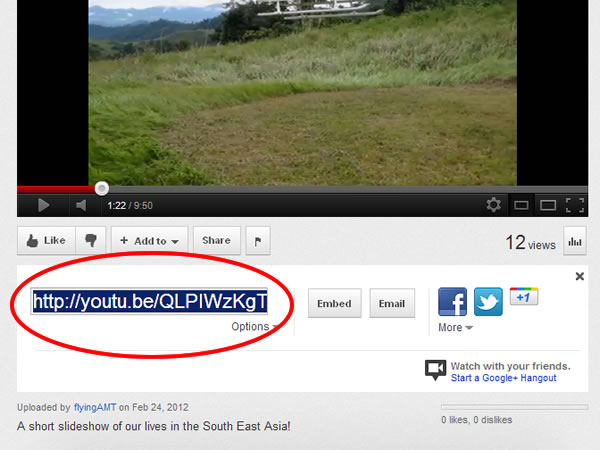
Go to the YouTube video you want to embed and select the “Share” button.
***Please remember that using a video containing copyrighted music or images is a violation of NTM communication guidelines …not to mention the law. NTM continues to have a problem with members observing copyright laws and it is a bad testimony.***

Copy the video link to your clipboard.
Open the post where you want to embed the video and write any text you want to appear with the video.
Paste the YouTube video link where you want the video to appear. (*If you don’t see the video appear in your post immediately after you paste the link, delete the pasted link and paste it again.)
If you’re using the Block Editor, use a video block instead! You’ll still need the link though.
“Preview” the post if you’d like to see what it looks like before publishing.
If you encounter any problems please email blog_support@ntm.org and include a link to the video you are trying to post as well.
[…] […]