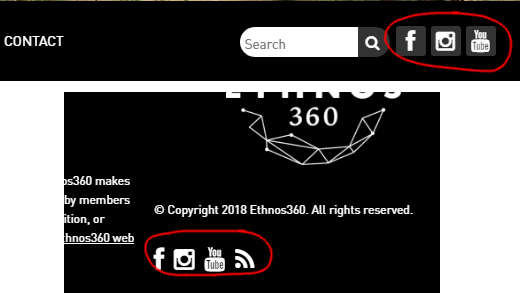
Depending on where you work, you probably have a social media account or seven. Your blog comes with a new “Social Menu” feature that allows you to link to your various social media accounts. This allows your blog’s visitors to find you on their favorite social media sites.
- From your dashboard, click on “Appearance” > “Customize”
- Click on “Social Menu”
- Add the URLs for any of the accounts you wish to make links for
- Important! Make sure you include the http:// or https:// part of the link or it won’t work,
- Example: https://www.facebook.com/Stevish
- Decide whether you want the link to appear in the top menu, or the footer, or both.
- Make sure you only add 5 or 6 items to the top menu, since more than that will break the menu at certain screen sizes:

- Click the Blue “Publish” button to save your changes.
Leave a Reply