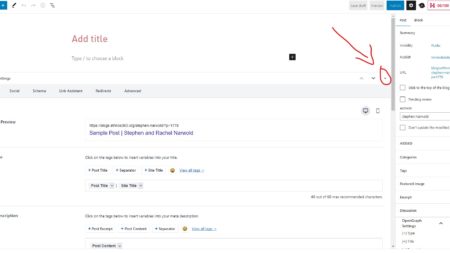
To enable comments across your blog, go to “Discussion” under the Settings menu. Next to the “Default article settings” check the box next to “Allow people to post comments on the article.”
The post probably contains a word that the automated content filter is blocking. Please check the administrator e-mail address associated with your blog for a “Content Violation” message, or look around on the editor screen for a “Blocked” alert.
Normally you would edit the post so the blocked word, or spirit of the blocked word, is not contained in the post. However, there are times when the context of the blocked word would not be a problem.
First, make sure when you edit a post you use “Preview Changes” while you are still working on it and want to know how it looks. Only use “Update Post” when you are finished editing.
When editing a post, place your cursor at the location in your post where you would like to insert a photo. You will find the “Add media” option between the place where you enter your post title and the top of the text box tool icons. If you’re using the Gutenberg editor, simply add an […]